Everyday Phone Basics
A$15 once
A short, guided route through everyday phone skills.
- Short lessons and practice
- A visual workbook to keep
- Safe habits and how to undo
Independence without the kids.
Easy step-by-step guides for the things you need to do with your tech.
No rush. No silly questions.

Illustrated example. Patient help, at your pace.
Choose your phone. We’ll show you the right buttons.
A safe practice phone. Nothing changes on your real device.
No matching guide yet. Try “app”, “Wi-Fi” or “sound”.
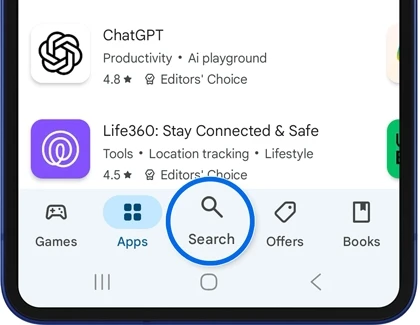
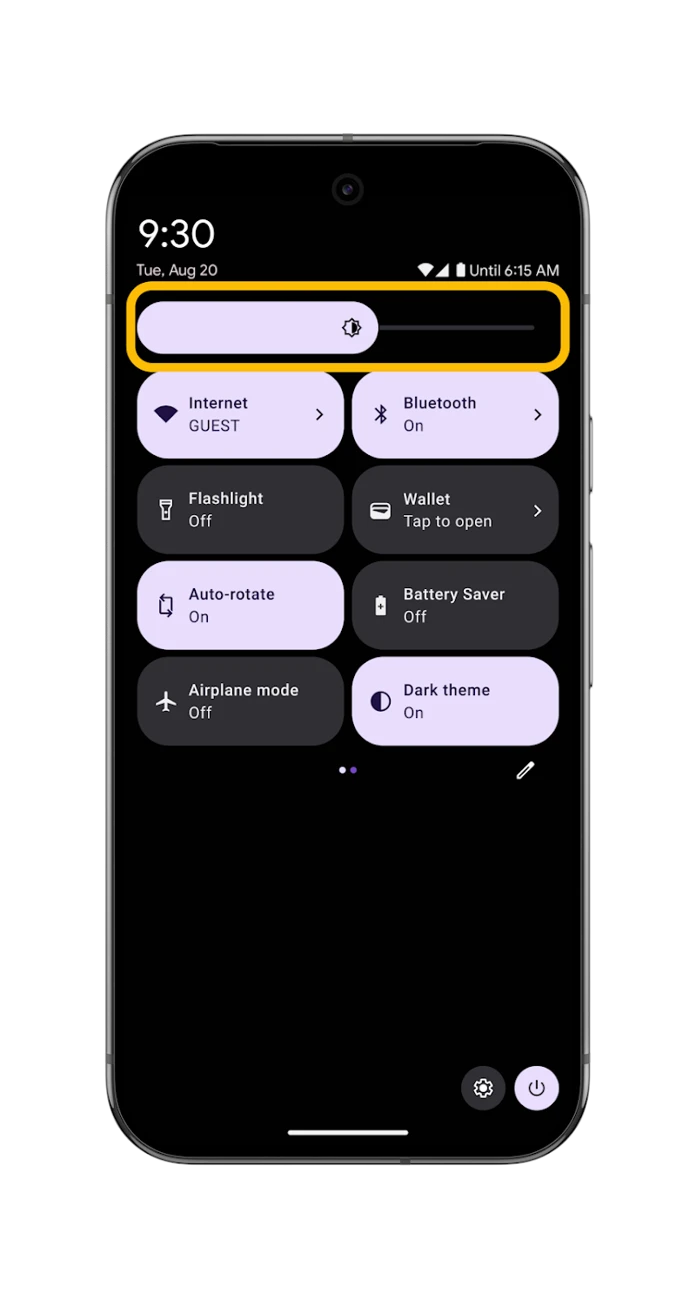
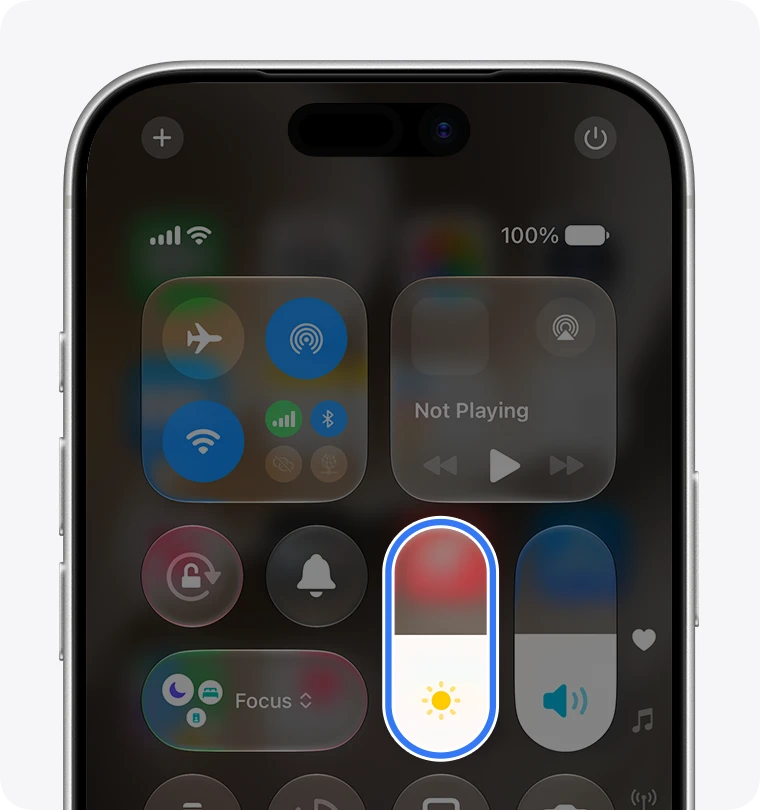
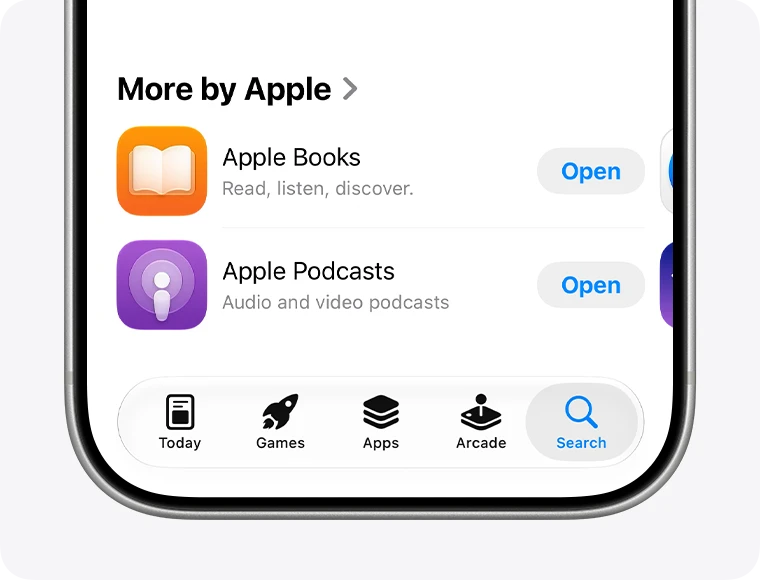
Reference screenshots: Google and Apple. Interactive screens are teaching recreations, not live device access. Google Play practice follows its official download guide. Google Maps starts uninstalled in the download exercise; it may already be on your phone.
01 Never put passwords or sign-in codes into AI.
02 Never put card or bank details into AI.
Pick your technology. Follow one clear step.
Start free. Choose more help when you want it.
A short, guided route through everyday phone skills.
The growing guide library, on the website and app.
Everything in Premium, plus patient AI help for your question.
AUD. Phone practice is free. Paid checkout and live AI are being prepared. Planned free AI allowance: 3 questions/month; Super Premium will have a clear usage allowance. No charges are taken in this pilot.
Open the app. Choose what you need help with. Take the next small step.
Direct-install preview APK, Android 8+. Not on Google Play yet. iPhone users can use the website or add it to their Home Screen.
Try the web app first → back in control
One thing at a time.
You’ve got this.
Yes. Try the everyday phone simulations without an account or subscription.
The phone practice and Android pilot are free. The wider library has researched step guides. Paid checkout and live AI need activation before customers can buy them.
No. You practise safely in a recreated screen, then use the instructions on your own device.
No. The guides work on their own. AI help will be optional, with a small free allowance and a paid tier.